Using Process Compose with Sculpin, Browsersync and Decap CMS
I had three different commands to start my website project:
- One to start Sculpin to generate and serve the pages.
- One to start Browsersync and have pages automatically reload when changes were made.
- One to start the Decap CMS server so I can edit my content.
Rather than running separate commands, I've added Process Compose - a tool used by Drupal Flake, Devbox and other projects to manage processes. I also used it in my original Drupal Nix Flake example, and have shown it my slides for my Nix for PHP Developers presentation.
Here is the file I created:
{ inputs, lib, ... }:

{
  imports = [ inputs.process-compose.flakeModule ];

  perSystem =
    { pkgs, ... }:
    {
      process-compose.watch-server = {
        settings.processes = {
          browsersync = {
            command = ''
              ${pkgs.nodePackages.browser-sync}/bin/browser-sync start \
                --files output_dev \
                --no-notify \
                --no-open \
                --no-ui \
                --server output_dev
            '';

            depends_on.sculpin.condition = "process_started";
          };

          cms = {
            command = pkgs.writeShellApplication {
              name = "cms";

              text = "${pkgs.nodejs}/bin/npx decap-server -y";

              runtimeInputs = [
                pkgs.nodejs
              ];
            };

            depends_on.sculpin.condition = "process_started";
          };

          sculpin.command = ''
            ${lib.getExe pkgs.sculpin} generate \
              --clean \
              --no-interaction \
              --server \
              --watch \
          '';
        };
      };
    };
}
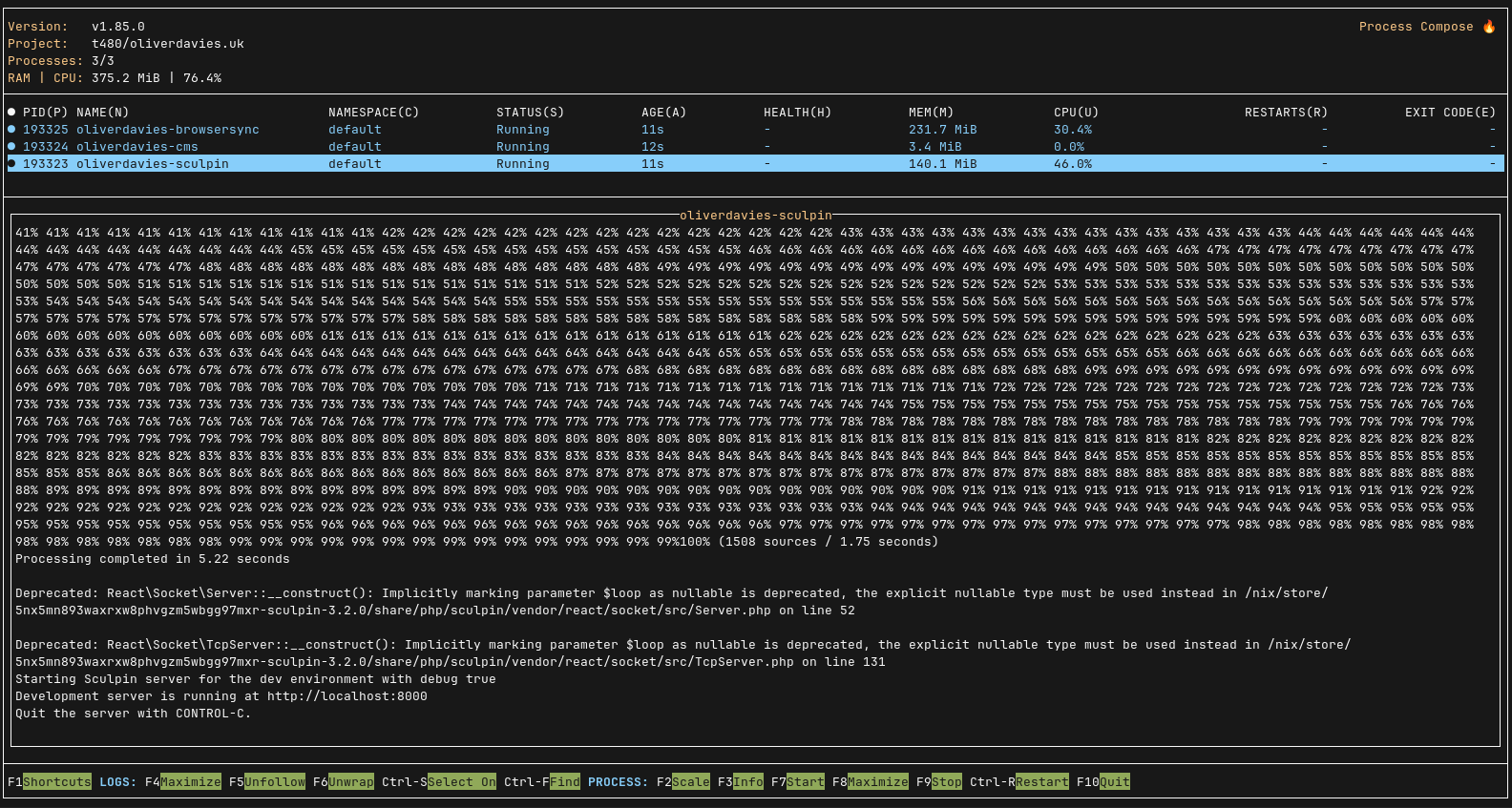
Each is defined as its own process, and I can start them all with a simple nix run .#watch-server.
This is how it looks: